Print-quality rendering
Map posters rendered for print in the cloud, not exported from your browser.
The editor shows your poster live in the browser, but the file that gets printed is made somewhere else: a dedicated cloud renderer that redraws the same poster at full print resolution for the size you ordered, and checks it before a printer ever sees it.
Free to design · Pay only if you print · Ships within the U.S.
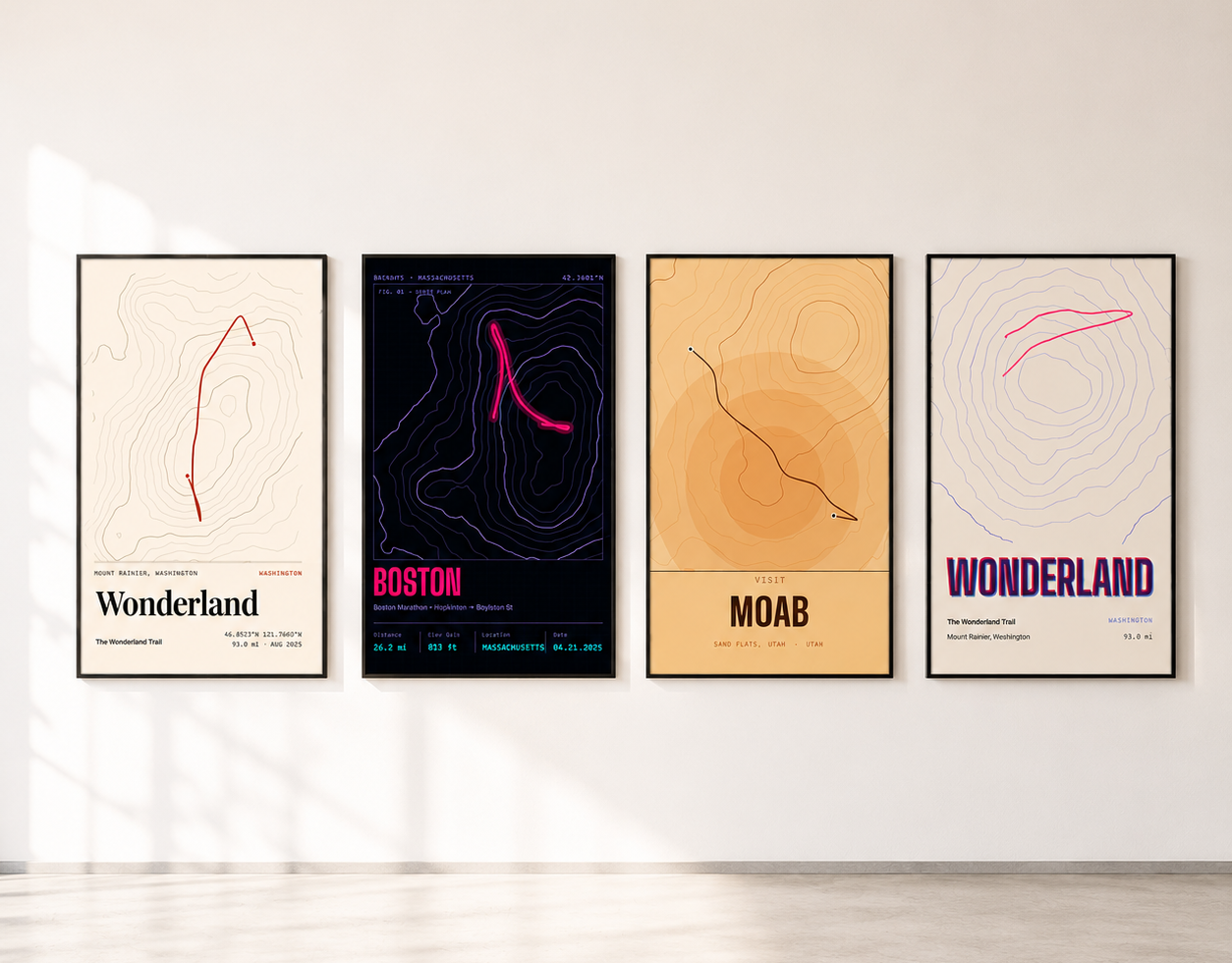
From preview to print file
What happens after you press order.
01
Your design is locked in
When you order, we save the exact poster you approved. Later edits to the map never change what gets printed.
02
We render it in the cloud
Our renderer redraws your poster at full print resolution for the size you ordered, on our hardware rather than your phone or laptop.
03
We check it before printing
Every file goes through automated checks, such as size and completeness. If a check fails, the file never reaches the printer.
Why it matters
Your browser is built for screens, not prints.
Many poster tools save the print file straight from your browser. That works for a screen-sized image, but how much detail a browser can produce at once depends on the device, so a large print made that way may have to be enlarged from a smaller image, or may fail on a phone.
RadMaps lets your browser do what it is good at, the live preview, and makes the print file on dedicated hardware. A poster designed on your phone prints just as sharply as one designed on a desktop.
What you see is what you get
The preview and the print are the same poster.
Some tools draw the preview one way and the print another, which is how titles shift or labels go missing between approval and delivery. RadMaps uses one renderer for both, so your layout, text, and route come out the way you left them, just with far more detail than a screen can show.
The print file
Ready for print, at every size.
- 300 DPI: at every size we sell, from 8×12 to 24×36 inches.
- Bleed included: the artwork runs slightly past the edge so nothing white shows after trimming, and the editor shows where to keep important text.
- Crisp detail: saved at very high quality, so thin route lines and small type stay sharp.
Downloads and editable PDF
Take the files with you.
For posters sized 8×12, 16×24, and 24×36 inches, a digital download costs 8 credits and gives you the same validated, print-ready JPG our print partner receives — not a smaller web version. Use it with a local print shop, for a large-format proof, or as a high-resolution archive of the design.
For designers and studios, RadMaps can also produce a true vector PDF: every route, contour, coastline, and road is a scalable path, type is live text with embedded fonts, and the page is set to your poster’s size in inches, with no bitmap images inside. It opens as vector artwork in tools such as Adobe Illustrator, Affinity Designer, or Inkscape, where shapes and colors can be edited and everything stays sharp at any scale; how text edits behave depends on the tool and its font handling. Editable vector PDFs are available for supported map styles.
Questions
Print-Quality Map Rendering FAQ
What resolution are RadMaps print files?
Final print files are rendered at 300 DPI for every size we sell, from 8×12 to 24×36 inches, sized for the poster you order and including 4 mm of bleed.
Will my print look like the preview in the editor?
Yes. The editor and the print file are drawn by the same poster renderer from the same saved design, in the same 2:3 composition, with the text in the layout you approved. The print simply has far more detail than a screen can show.
Can I download a print-ready file instead of ordering a print?
Yes, for posters sized 8×12, 16×24, and 24×36 inches. A digital download costs 8 credits and is the same validated 300 DPI JPG that is sent for printing, ready for a print shop of your choice.
Do you offer an editable vector PDF?
Yes, for supported map styles. Not every style or effect can be drawn as pure vector artwork, so availability depends on your design. The PDF contains only vector paths and embedded text, with the page set to your poster’s size in inches, and opens as editable vector artwork in tools such as Illustrator, Affinity Designer, or Inkscape; text editing depends on the tool and its font handling.
Why not make the print file in my browser?
How much detail a browser can produce at once depends on the device, so a large print made in the browser may have to be enlarged from a smaller image, or may fail on a phone. RadMaps makes print files on dedicated hardware instead.
What sizes and materials can I order?
Every RadMaps poster uses the same 2:3 shape, printed at 8×12, 12×18, 16×24, 20×30, and 24×36 inches. Formats include archival matte posters, framed prints, wall hangings, aluminum, and acrylic; availability varies by size. The editor preview uses the same composition as the final print, so the route is not cropped or reframed after you approve it.
Built for the wall, not the screen
Design a print-ready map poster free.